

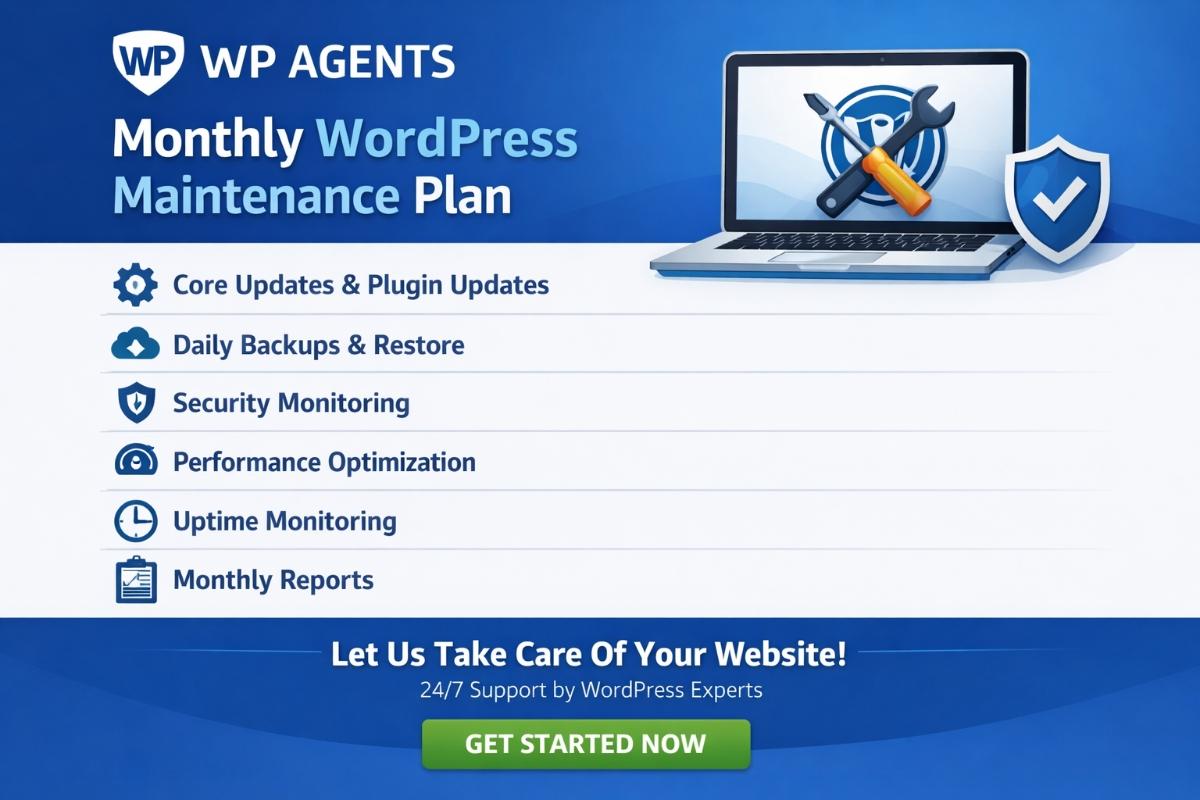
Quick Answer: A WordPress Maintenance Plan is a monthly process that keeps your website secure, updated, backed up, and optimized for speed and performance. It prevents downtime, protects against hacks, and improves user experience.
A website is never a “set and forget” asset—especially when it runs on WordPress. A well-managed WordPress Maintenance Plan keeps your website fast, secure, and fully functional while reducing downtime, hacking risks, and performance issues. Whether you run a business website, blog, or eCommerce store, consistent maintenance ensures smooth user experience, better search visibility, and long-term stability.
What Is a WordPress Maintenance Plan?
A WordPress Maintenance Plan is a structured set of ongoing tasks performed daily, weekly, monthly, and yearly to ensure your website stays:
- Secure against malware and hacking attempts
- Updated with the latest WordPress core, themes, and plugins
- Backed up for quick recovery in emergencies
- Optimized for speed and performance
- Compatible across devices and browsers
- Reliable for forms, payments, and key website functions
What Does WordPress Maintenance Include?

1) WordPress Updates (Core, Theme & Plugin)
WordPress updates include core updates, theme updates, and plugin updates. These updates often contain bug fixes, security patches, compatibility improvements, and performance enhancements. Keeping everything updated reduces vulnerabilities and helps prevent conflicts.
2) Regular Website Backups
Regular backups are essential to protect against data loss and allow quick restoration during unexpected issues. Backups help your business recover from crashes, malware infections, failed updates, and hosting problems.
3) Monitoring (Performance, Uptime & Security)
Monitoring involves checking website performance, uptime, and security vulnerabilities. This includes identifying slow loading pages, detecting downtime, and scanning for suspicious activity so issues can be resolved before they impact customers.
4) Speed Optimization & Technical Health
A complete WordPress Maintenance Plan also focuses on improving website speed and overall technical health. This may include database cleanup, image optimization, caching improvements, and Core Web Vitals enhancements for better user experience and SEO performance.
5) User Account & Access Management
WordPress maintenance includes managing user accounts and access permissions. Reviewing admin roles, removing unused accounts, and improving login security helps reduce unauthorized access and security risks.
6) Cross-Device & Browser Compatibility
Your website should work smoothly on mobile, tablet, and desktop devices across browsers like Chrome, Safari, Firefox, and Edge. Regular maintenance helps ensure your site remains compatible after updates and changes.
Importance of a Monthly WordPress Maintenance Plan
When it comes to building a Monthly WordPress Maintenance Plan for your website, the process involves organizing your tasks into these primary categories:
- Backups
- WordPress Core Updates
- Plugin Maintenance
- Theme Maintenance
- Overall Site Health
- Content Health
Since a lot of time, money, and effort goes into developing a website that performs well, it is essential to protect it with a structured maintenance plan.
Why You Need a WordPress Maintenance Plan (Top Benefits)
1. Protect Your Investment
Your website is a long-term business asset. Without a proper WordPress Maintenance Plan, performance issues and security vulnerabilities can damage your rankings, reduce leads, and lower customer trust. A clear monthly roadmap helps protect your investment and ensures consistent results month after month.
2. Maintenance Is Not Optional
Hiring a website design and development agency to create a WordPress website is a major investment. The agency plans, designs, develops, tests, and deploys your website—but the real success comes from keeping it maintained after launch.
Without ongoing maintenance, websites can become outdated, vulnerable, and difficult to recover if something goes wrong. Some hosting providers may not keep reliable backups, and restoration can be costly. That is why it is important to have a professional WordPress developer or trusted agency committed to aftercare services and monthly maintenance programs.
3. Constant Support and Updates
Plugins installed on your website without regular updates can attract hackers easily. Each plugin adds functionality, but it also increases the need for consistent updates and monitoring. A strong WordPress Maintenance Plan ensures updates are performed safely, issues are resolved quickly, and your site stays stable.
Sometimes updates can create conflicts or glitches with WordPress features or plugins. If updates are ignored, customers may face errors, broken layouts, or slow performance—leading to lost trust and fewer conversions.
4. Monthly Website Testing Prevents Hidden Issues
Sometimes forms stop submitting or key features stop working without warning. Common reasons include:
- Configuration issues or email server problems
- Broken form functions or disabled scripts
- Plugin conflicts after updates
- Malware injections impacting website functionality
One of the biggest issues website owners face is contact forms not submitting correctly. If these problems are not tested and fixed monthly, you may lose leads, sales opportunities, and customer satisfaction. Regular testing ensures your website works as expected and delivers a smooth user experience.
5. 24/7 Uptime Monitoring
Even the best hosting cannot guarantee 100% uptime all year. That is why uptime monitoring is important. A monthly WordPress Maintenance Plan ensures your website is monitored for downtime and performance issues so action can be taken quickly.
Downtime can cost your business customers, sales, and reputation. Consistent monitoring and reporting makes it easier to detect causes and prevent recurring issues.
6. Proper WordPress Hosting Improves Performance
Hosting plays a major role in website speed and stability. If a website takes more than a few seconds to load, visitors may leave and choose a competitor.
Choose hosting that offers reliable performance and features such as:
- SSL certificates
- Daily malware scanning
- Enough server resources and bandwidth
- Secure email accounts
- Domain registrations and renewals
- Backups and recovery options
Proper hosting combined with maintenance ensures a better experience for your users and supports long-term website growth.
7. Emergency Plan and Disaster Recovery
Emergencies do not come with prior notice. Even with strong preventative measures, websites can still go down due to hacking, server issues, plugin failures, or corrupted files.
A professional WordPress Maintenance Plan includes emergency response and recovery planning. If something goes wrong, a clean backup can be restored quickly, reducing downtime and protecting your sales and customer experience.
FAQ: WordPress Maintenance Plan
1. What is included in a WordPress Maintenance Plan?
A WordPress Maintenance Plan usually includes backups, WordPress core updates, theme and plugin updates, security monitoring, uptime monitoring, speed optimization, bug fixes, and regular website health checks.
2. How often should WordPress maintenance be done?
Most WordPress websites require weekly checks and monthly maintenance tasks such as updates, backups verification, security scans, and performance reviews. High-traffic websites may need more frequent monitoring.
3. Why do WordPress websites need monthly maintenance?
WordPress websites need monthly maintenance because plugins, themes, and WordPress core updates release regularly. Without maintenance, your website becomes vulnerable to hacking, plugin conflicts, downtime, and slow performance.
4. Can I do WordPress maintenance myself?
Yes, you can manage WordPress maintenance yourself if you have time and technical knowledge. However, many businesses choose professionals to ensure updates are done safely and issues are resolved quickly.
5. What happens if I don’t maintain my WordPress site?
If you don’t maintain your WordPress site, you may face security breaches, broken forms, slow performance, SEO ranking drops, downtime, and expensive emergency recovery costs.
6. Is a WordPress Maintenance Plan worth it for small businesses?
Yes. Even small businesses benefit from a WordPress Maintenance Plan because it protects the website, improves reliability, prevents downtime, and keeps user experience consistent.
About Author:
Sandeep Dharak is a WordPress professional at WP Agents, specializing in WordPress Maintenance Services and monthly WordPress Maintenance Plans for business websites. He helps website owners keep their WordPress sites secure, updated, fast, and fully functional through regular updates, backups, performance monitoring, and technical health checks.
Disclaimer: Some of the content on this blog is created with the help of artificial intelligence (AI) and subsequently reviewed or refined by human editors. We make every effort to ensure that information is accurate, clear, and aligned with applicable laws. If you have any questions or concerns regarding the content, please reach out to us.