

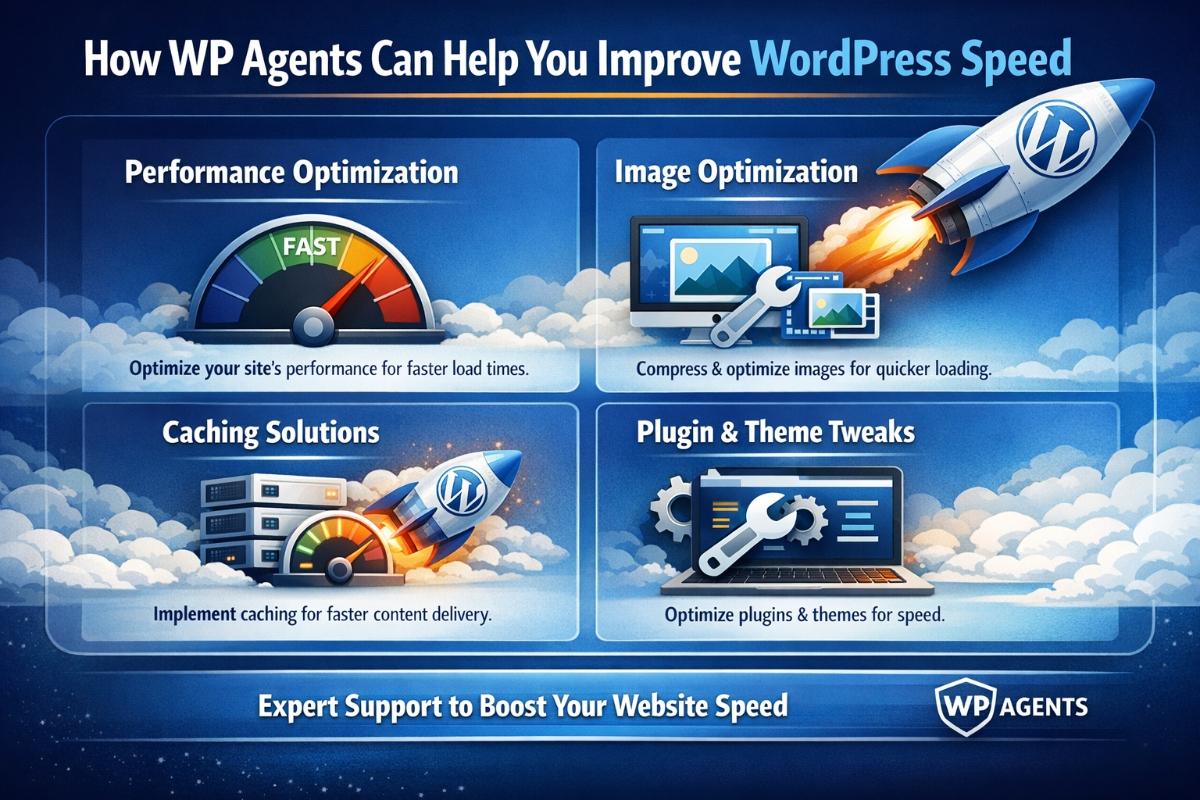
If your WordPress blog feels slow, you’re not alone—and you’re not overthinking it. Website speed impacts everything from Google visibility and user trust to conversions and how long readers stay engaged with your content. Whether you run a personal blog, a growing business site, or a content-heavy publication, improving performance is one of the highest-ROI upgrades you can make.
In this guide, we’ll break down exactly how WP Agents, a trusted WordPress Agency UK, can help you Improve WordPress Speed using proven, measurable, and safe optimisation methods—built specifically for UK and European businesses that want faster load times, better user experience, and stronger Core Web Vitals.
Quick Answer
How can WP Agents help you Improve WordPress Speed?
WP Agents improve WordPress speed by optimizing hosting setup, caching, database performance, images, scripts (CSS/JS), CDN configuration, Core Web Vitals, and plugin/theme efficiency—while ensuring your site remains secure, stable, and SEO-ready.
Why WordPress Blog Speed Matters in 2026 (Facts-Based)
A faster WordPress blog helps in:
- Better rankings (Google uses page experience and Core Web Vitals as signals)
- Higher engagement (users leave slow websites quickly)
- Improved conversions (speed impacts form submissions and purchases)
- Lower bounce rate
- Better Google Discover exposure (fast, mobile-friendly content performs better)
Speed-related metrics that matter most:
- LCP (Largest Contentful Paint) – how quickly the main content loads
- INP (Interaction to Next Paint) – how fast your site responds to user actions
- CLS (Cumulative Layout Shift) – how stable your page layout is
Common Reasons Your WordPress Blog Is Slow
Before we fix it, we identify it. Most slow WordPress blogs suffer from:
1) Heavy themes and bloated page builders
Some themes load unnecessary scripts on every page—even when not required.
2) Too many plugins (or poorly coded plugins)
A few plugins are fine. But redundant or outdated plugins often create performance issues.
3) Unoptimized images and media
Large images can easily become the #1 reason a blog loads slowly.
4) No caching setup (or incorrect caching)
Caching is essential for speed, especially for content-based WordPress sites.
5) Shared or weak hosting resources
Even a perfectly optimized site can be slow on poor hosting.
6) Database clutter
Revision bloat, transients, spam comments, and unused tables slow down page generation.
7) No CDN or poor asset delivery
If your visitors are in the UK/EU and your server is far away, speed suffers.
How WP Agents Help You Improve WordPress Speed (Step-by-Step)
1) Full Speed Audit (Before Fixing Anything)
WP Agents start with a complete performance audit to find the real bottlenecks, including:
- Page load time breakdown
- Core Web Vitals review
- Plugin impact check
- Theme and layout issues
- Hosting + server response time
- Resource loading behavior (CSS/JS)
- Image/media weight
Outcome: You get speed fixes based on evidence—not guessing.
2) Caching Setup (Correctly, Not Randomly)
Caching is one of the easiest ways to improve speed, but wrong settings can break layouts or show old pages.
WP Agents configure caching to fit your site type:
✅ Common caching methods:
- Page caching (serves prebuilt pages faster)
- Browser caching (reuses assets)
- Object caching (reduces database calls)
- Opcode caching (improves PHP performance)
Result: Faster loading for repeat visitors and instant blog page delivery.
3) Image Optimization for Faster Blog Pages
Blog websites become slow mainly because images are too large.
WP Agents improve media performance by:
- Converting images to WebP
- Compressing large images without quality loss
- Enabling lazy loading
- Serving correct image sizes for mobile
- Removing heavy sliders and replacing with lightweight layouts
✅ Best practice: Blog images should load fast even on 4G mobile networks, especially for UK & European readers.
4) Script & CSS Optimization (Core Web Vitals Focus)
Many WordPress blogs load unnecessary scripts site-wide.
WP Agents fix that by:
- Defer non-critical JavaScript
- Remove unused CSS where possible
- Reduce render-blocking resources
- Combine/minify assets (where safe)
- Disable “sitewide” scripts that are only needed on specific pages
Result: Improved LCP and better overall performance scores.
5) Plugin Cleanup & Performance Engineering
Not all plugins are bad—but performance depends on quality and usage.
WP Agents help you:
- Remove redundant plugins (same function, multiple plugins)
- Replace heavy plugins with lightweight alternatives
- Identify plugins causing slow database queries
- Fix plugin conflicts and unnecessary background tasks (cron jobs)
✅ Fact-based improvement: Removing just 1–3 heavy plugins often reduces load time significantly.
6) Database Optimization (Cleaner Backend = Faster Output)
WordPress stores a lot of extra data over time.
WP Agents clean and optimize your database by removing:
- Old post revisions
- Auto-drafts
- Spam and trash comments
- Expired transients
- Unused plugin tables
Result: Lower server workload and faster page generation for blogs with lots of content.
7) Hosting and Server-Level Performance Improvements
Speed is not only a WordPress issue—hosting matters.
WP Agents ensure your setup supports performance:
- PHP version optimization (latest stable, compatible)
- HTTP/2 or HTTP/3 support
- Proper server compression (GZIP/Brotli)
- Secure performance enhancements (without weakening security)
- Optimized server caching rules
GEO-Friendly Performance Tip (UK + EU)
If your customers are in the UK and Europe, your server should ideally be in:
- London
- Germany
- Netherlands
- France
This reduces latency and improves real user experience.
8) CDN Setup for Global and European Speed Delivery
CDN (Content Delivery Network) helps deliver content from the nearest location.
WP Agents configure CDN properly by:
- Caching static assets (images, CSS, JS)
- Reducing bandwidth load on your server
- Improving speed for UK/EU visitors
- Protecting against traffic spikes
Result: Faster load times for readers across multiple European regions.
9) Mobile Speed Optimization (Critical for Discover + SEO)
Google Discover is heavily mobile-driven. If your blog is not fast on mobile, you lose reach.
WP Agents improve mobile performance by:
- Reducing total page weight
- Optimizing above-the-fold content
- Controlling layout shifts (CLS)
- Fixing slow font loading
- Improving tap responsiveness (INP)
10) Ongoing Monitoring & Maintenance (Speed Is Not a One-Time Fix)
Most sites become slow again because they keep changing.
WP Agents help you maintain speed via:
- Monthly performance checks
- Plugin/theme update safety
- Ongoing image and media management
- Broken script detection
- Core Web Vitals monitoring
✅ This keeps your blog fast after every new article, plugin update, or design change.
Below is a practical, real-world “human impact” table showing what speed improvements change for actual users and businesses:
| WordPress Speed Improvement Area | What Changes Technically | Human Impact (Real Result) | Business Impact |
|---|---|---|---|
| Faster Page Load (LCP reduced) | Content loads sooner | Readers stay and scroll more | Lower bounce rate |
| Better Mobile Performance | Less page weight, faster rendering | Better experience on 4G/5G | Higher returning visitors |
| Reduced Layout Shifts (CLS) | Stable UI as page loads | Less frustration & misclicks | More clicks on CTA |
| Plugin Optimization | Less CPU usage & fewer queries | Smooth browsing experience | Fewer support complaints |
| Image Compression + WebP | Smaller image size | Faster reading & loading | Better SEO image performance |
| CDN + Server Optimization | Lower latency for EU/UK | Faster access regionally | Better lead quality & reach |
| Database Optimization | Faster backend response | Reliable browsing on older devices | Improved consistency |
| Caching & Delivery Optimization | Pages served from cache | Instant loading feel | Higher conversions |
Checklist: What WP Agents Do to Improve WordPress Speed
✅ Speed audit & performance report
✅ Core Web Vitals improvement plan
✅ Image compression + WebP conversion
✅ Lazy load + media optimization
✅ Caching setup (site-specific)
✅ Database cleanup & optimization
✅ Plugin performance cleanup
✅ Script optimization (CSS/JS)
✅ CDN setup and tuning
✅ Mobile-first performance optimization
✅ Ongoing speed monitoring
Best Practices You Can Apply Immediately
If you want quick wins, do these:
✅ 1) Resize images before uploading
Avoid uploading 5000px images for blog posts.
✅ 2) Limit homepage blog feed
Show fewer posts on homepage (e.g., 6–10).
✅ 3) Remove unused plugins
If you haven’t used a plugin in months, remove it.
✅ 4) Use a lightweight theme
Performance-first themes reduce resource load.
✅ 5) Enable caching
Even basic caching can make a big difference.
Conclusion: WP Agents Make Speed Improvements Safe, Measurable, and Sustainable
If you’re serious about building a high-performing blog that ranks, converts, and feels premium—speed is not optional. WP Agents help you Improve WordPress Speed by fixing the real issues behind slow load times: heavy scripts, poor caching, oversized media, plugin bloat, and weak server performance. Most importantly, we do this with a strategy that protects your design, functionality, and SEO—while making your WordPress blog faster for readers across the UK and Europe.
FAQ
What is the best way to Improve WordPress Speed?
The best way is to combine caching, image optimization, script cleanup, database optimization, and server/CDN improvements. Speed is multi-factor, not one setting.
Why is my WordPress blog slow even with good hosting?
Because hosting is only one part. Heavy themes, unoptimized plugins, large images, and render-blocking scripts can slow down WordPress even on fast servers.
How long does it take WP Agents to improve WordPress speed?
Basic speed improvements can show results quickly, while deeper Core Web Vitals fixes may take longer depending on your theme, plugins, and site complexity.
Can improving WordPress speed improve SEO?
Yes. Faster websites generally perform better in engagement metrics and can benefit from improved page experience signals and Core Web Vitals performance.
Does a CDN help WordPress blog speed in the UK and Europe?
Yes. A properly configured CDN improves load speed by serving assets from locations closer to visitors across the UK and EU.
Will speed optimization break my site design?
It can if done incorrectly. WP Agents use safe, tested optimization practices to reduce risk and ensure everything works after optimization.